Thousands of Puzzles
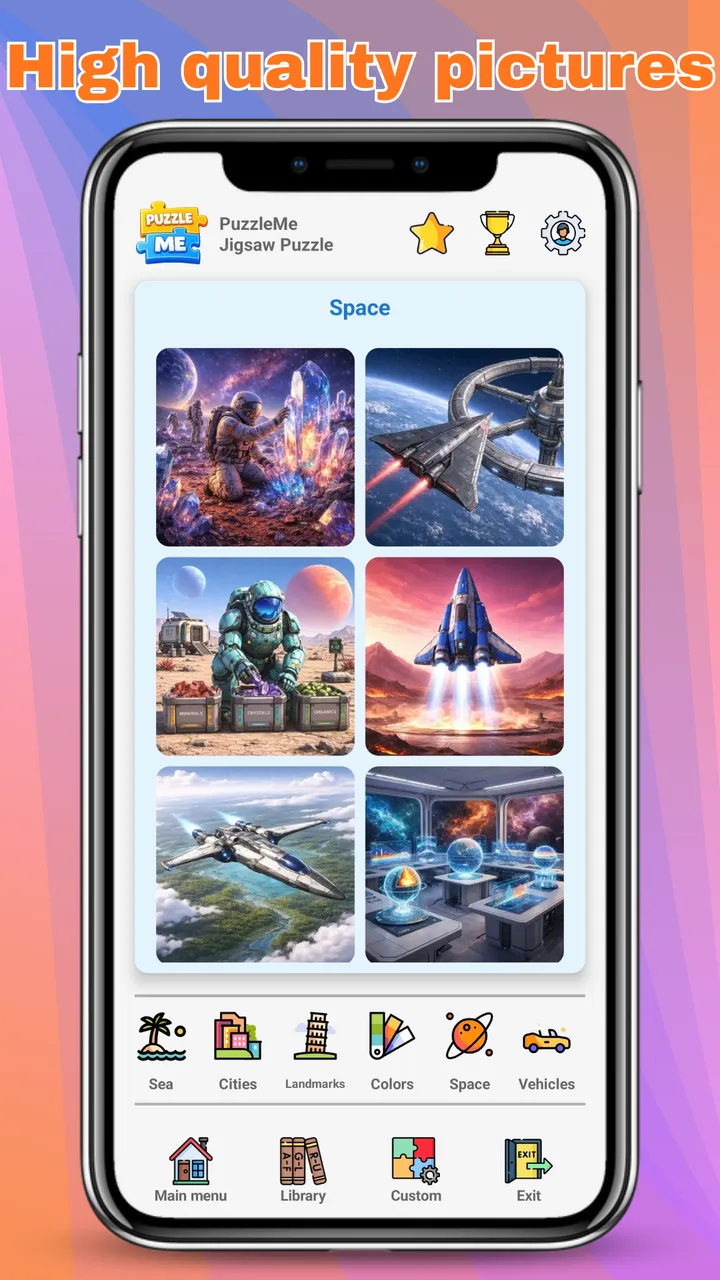
Beautiful images across 20 categories: animals, nature, cities, landmarks, space, fantasy, food, and more.
CTN Devs presents
Relax, focus, and enjoy thousands of beautiful jigsaw puzzles. Pick your difficulty, solve stunning images, or create your own puzzles from personal photos.
5.0 on Google Play 100+ downloads Free · no in-app purchases PEGI 3
About PuzzleMe
PuzzleMe combines beautiful artwork, smooth gameplay, and relaxing music into a jigsaw experience you can enjoy anytime. Whether you have a few minutes or a few hours, there's always a puzzle waiting for you.
Explore thousands of carefully selected images across 20 categories, choose from eight difficulty levels, or create your own puzzles from photos stored on your device.
I built it to be satisfying from the first piece to the last, with helpful tools, automatic saving, and customizable backgrounds to make every session enjoyable.
Everything you need
I designed every detail of PuzzleMe to feel relaxing and intuitive, from satisfying piece snapping to the tools that help when you get stuck.
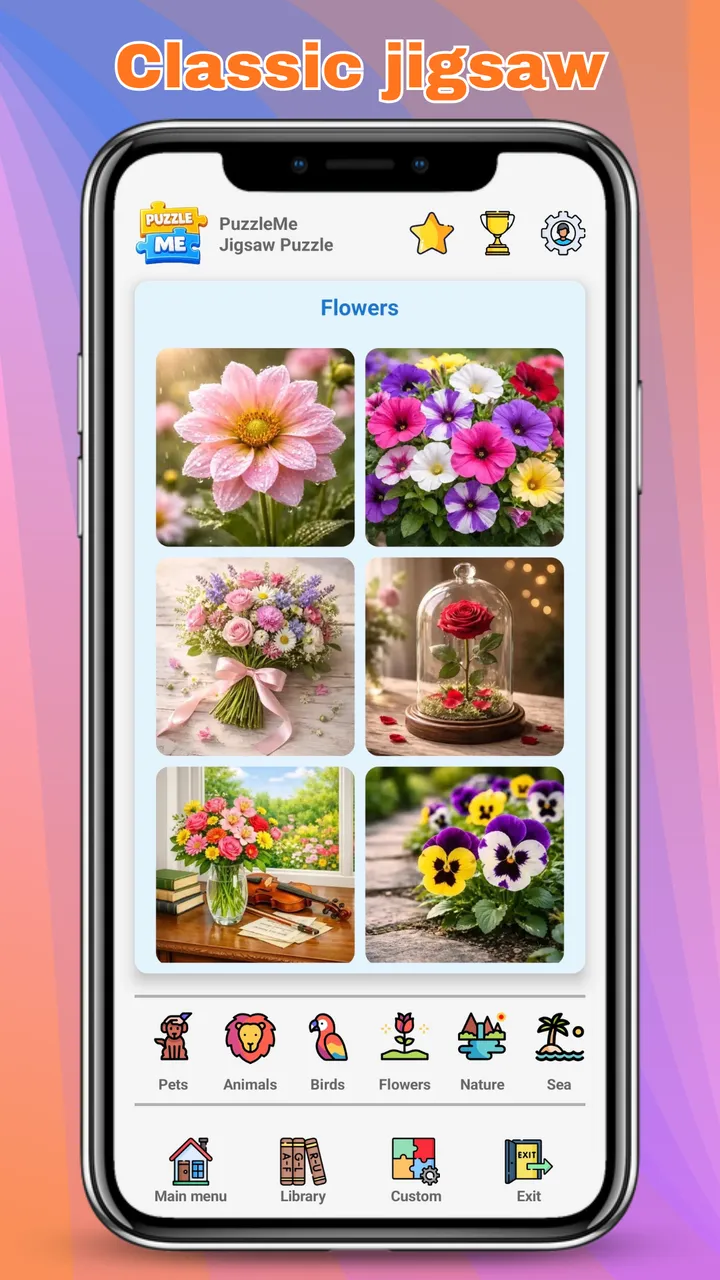
Beautiful images across 20 categories: animals, nature, cities, landmarks, space, fantasy, food, and more.
From a quick 3×3 warm-up all the way to a 16×16 challenge.
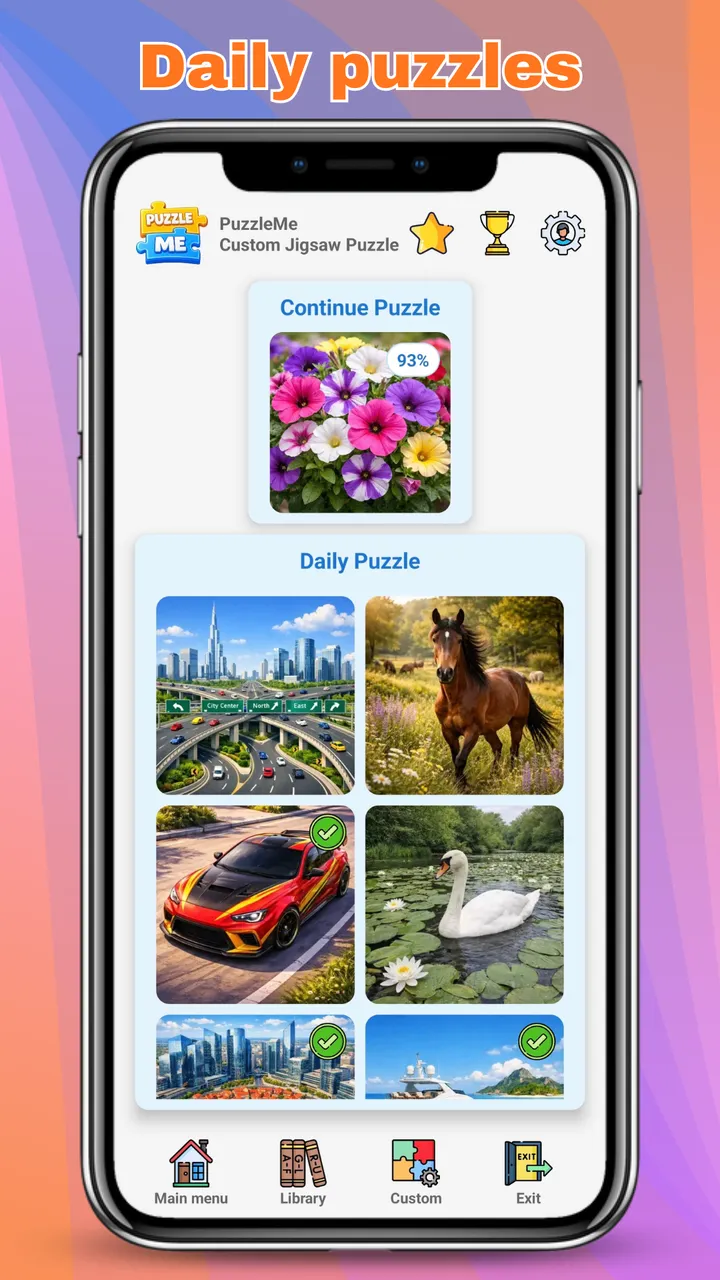
A fresh puzzle every day to keep your routine relaxing.
A random picture starts hidden in gray. Scratch it for 3 seconds, and the partly revealed image becomes your only reference.
Every puzzle comes with 2 free hints. Need more? Watch a short ad to get another one.
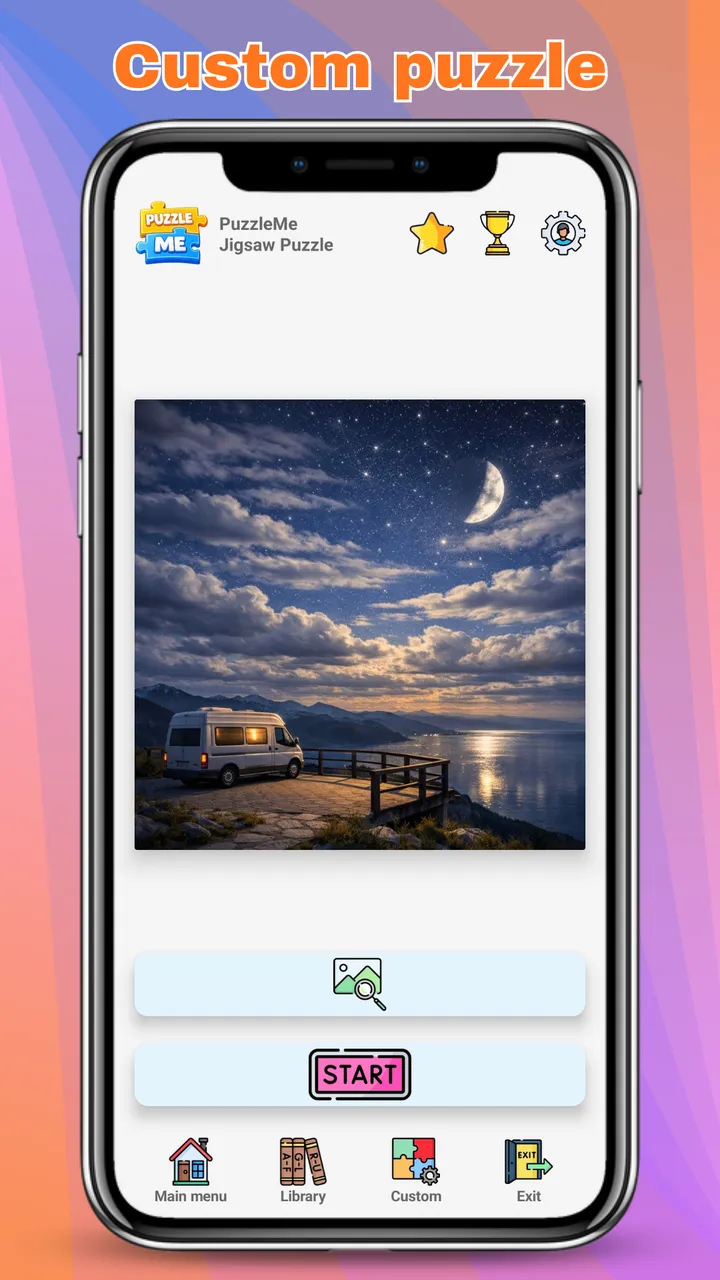
Turn any photo from your gallery into a jigsaw puzzle. Your photos stay on your device.
Edge-piece filter, full image preview, and automatic cleanup whenever you need a hand.
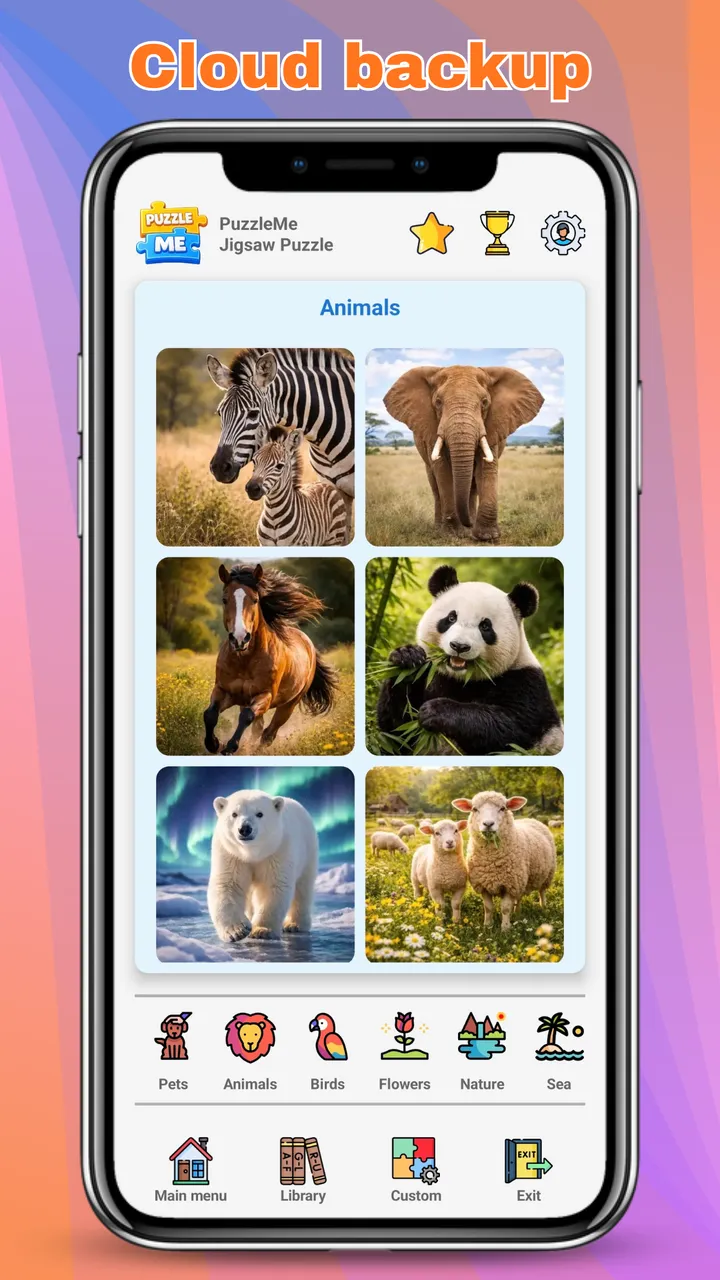
Automatic saving and player statistics, plus optional Cloud Sync with Google Play Games.
Collect rewards and see how you rank against other players on Google Play Games.
Puzzles you have already opened work without an internet connection, perfect for travel.
Play in English, Română, Español, Français, Deutsch, Português, Italiano, and 17 more. The Game picks your phone's language the first time you open it.
No in-app purchases and no pay-to-win. The game is supported by ads.
Gallery
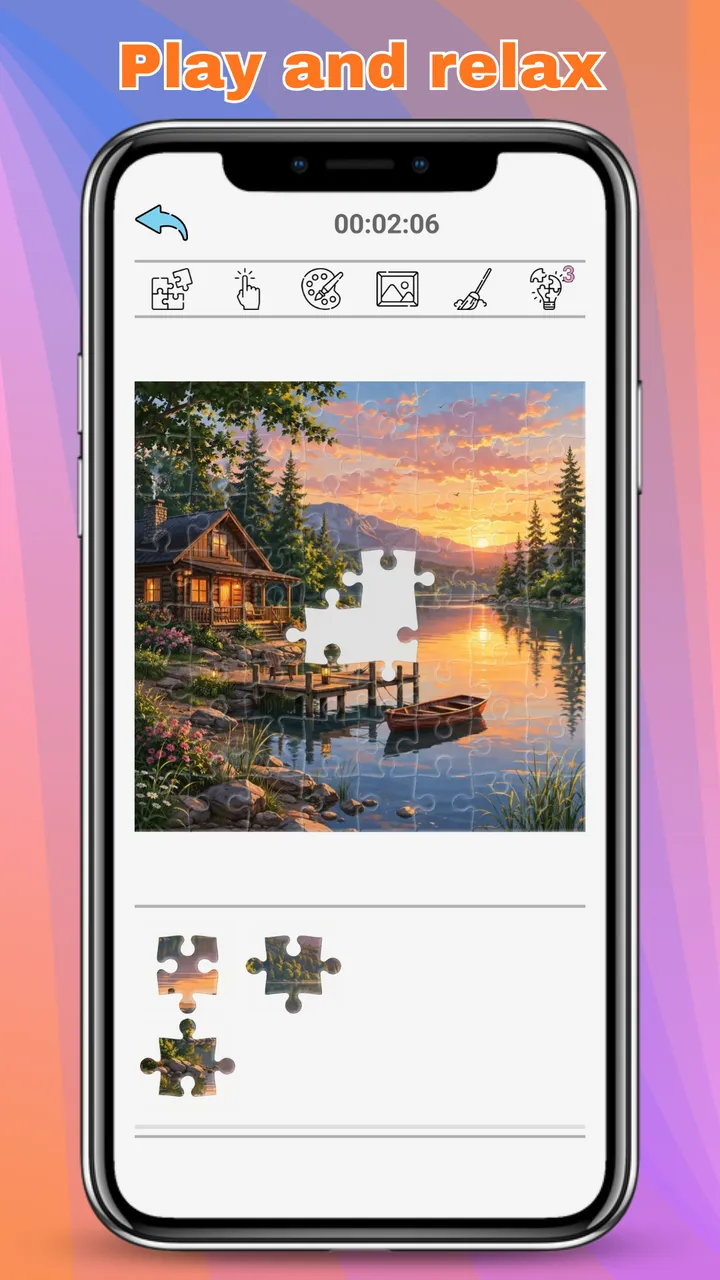
Take a closer look at the clean interface, beautiful artwork, and gameplay I crafted to keep every session calm and enjoyable.
Player reviews
“Nice simple game, not too many animations, pretty fast.”
“Perfect for puzzle lovers. Lots of content and new challenges every day.”
“Nice app, it has good puzzles that you can use to improve your cognitive abilities.”
Frequently Asked Questions
Answers to the most common questions about PuzzleMe. Can't find what you need? Email me at [email protected].
PuzzleMe is completely free and has no in-app purchases. Every puzzle, category, and feature is available to everyone.
Ads keep the game free. A small banner is shown during gameplay. A full-screen ad appears only when you tap the hint button after the 2 free hints for a puzzle are used, or if you choose to watch one to double your reward after finishing a puzzle.
Eight, from beginner-friendly 3×3 puzzles to the challenging 16×16 mode.
You get a random picture covered in gray. You have 3 seconds to scratch it, and whatever you revealed becomes your reference image while you solve the puzzle.
Yes. Choose a picture from your gallery and PuzzleMe turns it into a custom jigsaw puzzle. The photos you use for custom puzzles stay on your device and are never uploaded.
Yes. Puzzles you have already opened are saved on your device and can be played without an internet connection. You need a connection to download new puzzles and to get hints.
Yes. Your progress is saved automatically on your device. You can also turn on Cloud Sync in Settings → Cloud Data to back up your progress to your Google Play Games account and continue on another device. Progress from all your devices is combined, so nothing gets lost.
No. PuzzleMe does not require an account. Signing in to Google Play Games is optional and only needed for Cloud Sync and the leaderboard.
English, Română, Español, Français, Deutsch, Português, Italiano, Русский, 简体中文, 繁體中文, 日本語, 한국어, हिन्दी, Türkçe, Bahasa Indonesia, Tiếng Việt, ไทย, Polski, Nederlands, Čeština, Magyar, Ελληνικά, Svenska, and Українська. The Game picks your phone's language the first time you open it, and you can change it any time in Settings.
Cloud Sync data can be deleted from Settings → Cloud Data → Show Saved Data → Delete Data. For everything else, follow the steps on the Delete Your Data page.
Legal
Read the Privacy Policy and Terms & Conditions for PuzzleMe. I believe in clear, transparent policies that explain how your information is collected, used, and protected.
For questions, support, or data requests, contact me at [email protected].